
Visualization software:
With automatic object detection
Eaton has further developed its Galileo visualization software for touch panels from the XV and XP families and for PC runtime solutions for operating, monitoring and controlling machines.
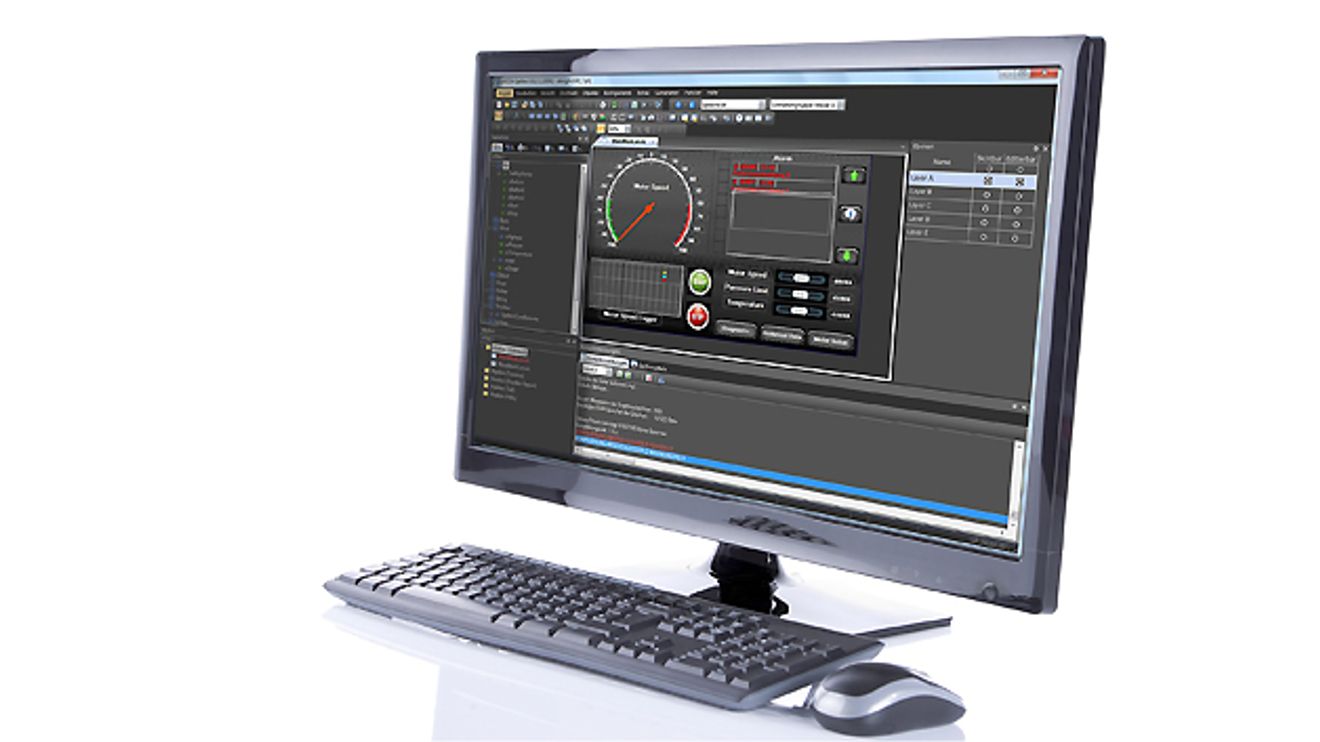
Users of previous versions can upgrade their devices and projects to the new version thanks to upward compatibility. According to the manufacturer, new functions in version 10 help to further shorten the project planning and commissioning phase. For example, as soon as the user clicks on an object or symbol on the user interface, its most important attributes are now displayed directly on a sidebar. With the search and sort functions, which are designed to enable screens, variables, bitmaps and scripts to be found quickly in a project, the software displays the results in list form. Automatic object recognition is designed to allow simple positioning and alignment of all objects on the user interface. So-called styles ensure a uniform appearance of objects throughout the entire project. For example, if the user changes the color of an object, this change is applied to all objects assigned to this style. Thanks to the screen adjustment function, users can switch between 4:3 and 16:9 format in the project.


You might also be interested in
Durabook at the Hannover Messe
AI-supported robust mobile computing solutions
Durabook, a provider of rugged mobility solutions and part of Twinhead International Corporation, is presenting its complete portfolio of ruggedized laptops and tablets to the German trade public for the first time at the Hannover Messe.
 read more...
Hannover Messe: Decision in week 12
Whether Hannover Messe 2020 will take place will be decided in the 12th calendar week in mid-March. This was announced by Dr. Jochen Köckler, CEO of Deutsche Messe, in a statement.
read more...New products at the industrial trade fair
'Industrial Intelligence' - this is the guiding theme of the Hannover Messe 2019. Computer&AUTOMATION shows an excerpt of the products that can be seen in Hanover in a picture gallery.
read more...Common DC link coupling
Siemens is adding additional power and supply voltage variants to the Sinamics S210 single-axis servo drive system for mid-range applications. In the first new size, the system is available with an output of 0.4 to one kilowatt at 3 AC 400 volts.
read more...Twelve models available
Omron launches collaborative robots of the TM series on the market. The company is also launching a mobile-compatible model that can be seamlessly combined with the mobile robots from the 'LD' series.
read more...Also available in stainless steel
The stainless steel versions of the Blue e+ cooling unit series from Rittal have been specially developed for demanding environmental conditions, for example for applications where a high level of corrosion protection is required, such as in the...
read more...Relaunch with quick-release fastener
Hummel is relaunching the M40 connector series, which is now also available with the 'Twilock-S' quick-release fastener. This variant is pluggable with the 'Speedtec' locking system.
read more...Read out diagnostic data more easily
Pepperl+Fuchs launches the LB Profinet gateway, enabling full access to all connected HART devices in addition to the conventional Profinet functionality.
read more...Protect critical systems
IT security is mainly concerned with data, while Operational Technology (OT) is primarily concerned with machines and systems, with the focus here being on the safety of people, the environment, quality and performance.
read more...