
Ininet Solutions
Web HMIs - several problems solved
Web-based HMIs offer many advantages and can be stored directly on controllers. However, one major obstacle is the use of different and outdated versions. The 'AutomationBrowser' provides a remedy here, says Ininet Managing Director Peter Brügger.
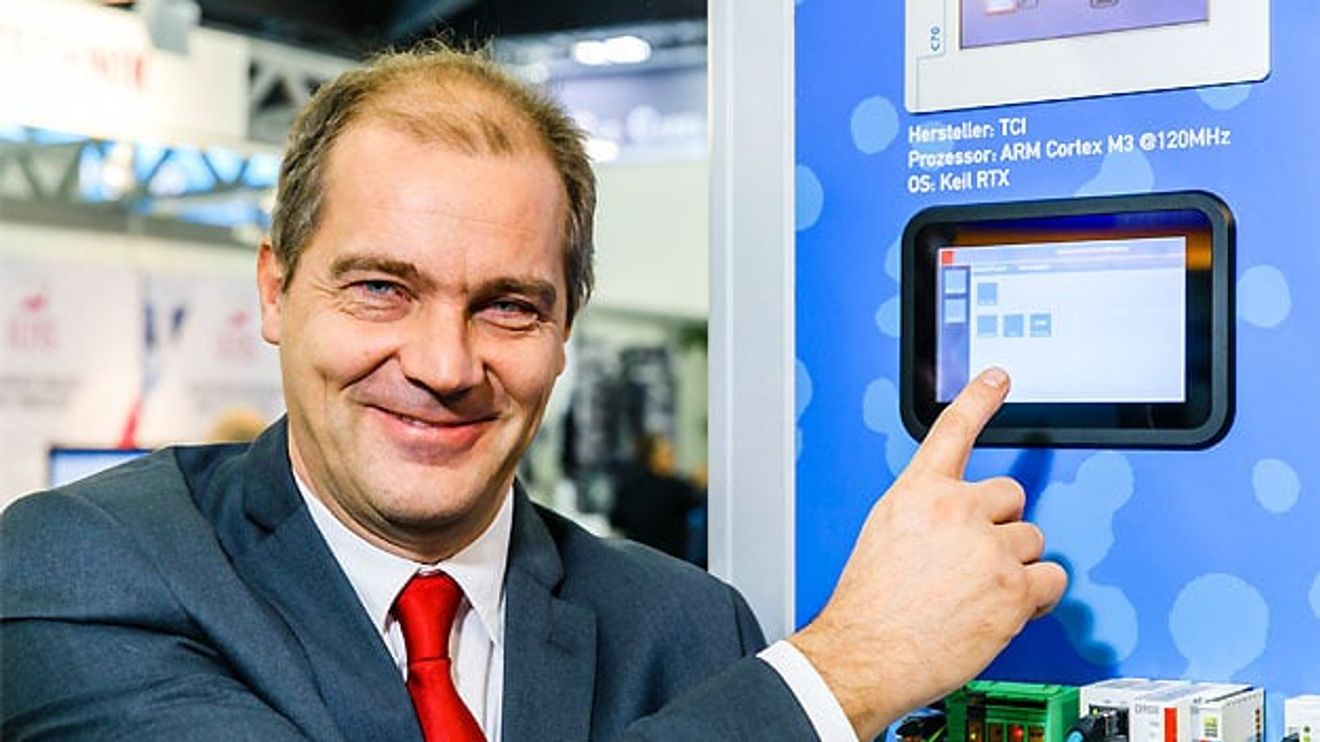
Mr. Brügger, when do web HMIs cause problems and what are the consequences?
Peter Brügger: Older web HMIs that are based on Java applets and are no longer supported by common browsers often cause complications. It is also difficult when several automation systems are running in one plant and an operating station has to switch back and forth between the different web servers. In such a scenario, there are usually several user levels in an operating system, for which you first have to identify yourself. However, if you jump from one web server to another, this information is lost and the login procedure starts all over again. Another important point is pop-up messages. If these are generated on a web server other than the one currently being displayed by the panel, the browser will not even notice this error.
And how can you counteract these problems?
Peter Brügger: With our 'SpiderControl AutomationBrowser' from Ininet Solutions. For example, a so-called station list can be created directly in it, in which all connected controllers are stored with their URL. The difference to a 'Favorites' list - as known from a conventional browser - is that the browser on the panel should be operated in so-called 'kiosk mode' - i.e. 'full screen' - and all normal functions of the browser menu cannot be accessed. Only the station selection and possibly a 'Back' button are displayed. The station list can also be displayed in a touchscreen-friendly and relatively large format to increase user-friendliness.
And the answer to the annoying log-in problem is called 'single sign-on'. The AutomationBrowser is able to save the log-in status on a PLC and the associated passwords. It uses the password of the current user when the user switches to another controller. If the user logs out, the password is also deleted for security reasons. If a new user arrives, the password is requested once, saved and automatically used for logging in on all controllers until the operator logs out.
And how do you solve the problem of compatibility with older web HMIs?
Peter Brügger: Several browsers have been integrated into our solution for this purpose. Ultimately, the appropriate viewer is selected invisibly for the user, which means that older Codesys V2 web visualizations, for example, can be integrated without any problems.
What else has been implemented?
Peter Brügger: The topic of 'collective alarms' also plays an important role. The AutomationBrowser can be configured so that it monitors certain variables from each controller cyclically and automatically jumps to an alarm overview in the event of an alarm status so that the user can react promptly.


You might also be interested in
Simple migration path to multi-core applications
Bachmann electronic is presenting the first member of the M200 CPU family with multi-core technology at SPS IPC Drives 2018.
 read more...
German-Austrian cooperation
On the first day of the SPS IPC Drives 2018 trade fair, Weidmüller announced a cooperation with the Austrian automation technology manufacturer Keba. The reason: expansion of the product portfolio in the field of control technology.
read more...Programming in the browser
The company Ininet has integrated additional functions into its web HMI editor. Managing Director Peter Brügger explains the benefits of this integration and what the collaboration with the Revolution Pi platform from Kunbus is all about.
read more...HMIs in the cloud
Browser-based HMIs are gaining ground in the industrial environment - with advantages in terms of device independence and simplicity. A new technology now makes it possible to program the interfaces in the web browser and connect the HMIs to the...
read more...HMI-Programmierung per Browser
Ininet geht bei browserbasierten Web-HMIs noch einen Schritt weiter. Denn auch für die Programmierung der Oberflächen reicht jetzt ein Web-Browser.
read more...Nine award categories for the first time
The embedded award recognizes outstanding innovations at the embedded world Exhibition&Conference. It is presented in nine specialist disciplines as part of a networking event on the first day of the trade fair.
read more...The knowledge hub of the embedded community
The embedded systems industry will meet from March 11 to 13. In seven exhibition halls, exhibitors in Nuremberg will provide information on hardware, software, services and tools. Two accompanying conferences, expert panels and exhibitor forums will...
read more...embedded world 2019 - Summary & outlook
Interview with trade fair director Benedikt Weyerer
What makes embedded world special? How did embedded world 2019 go and what is planned for the 2020 trade fair? Benedikt Weyerer from the trade fair organizer - Nürnberg Messe - in conversation with Ingo Kuss on the 'VIP stage'.
read more...embedded world 2019 / Electromobility
Interview with Formula E racing driver Pascal Wehrlein
Formula E racing driver Pascal Wehrlein was a guest on the 'VIP stage' powered by Markt&Technik and Elektronik at embedded world 2019. Matthäus Hose and Ingo Kuss asked him about Playstation tips and technical innovations in electromobility.
read more...