

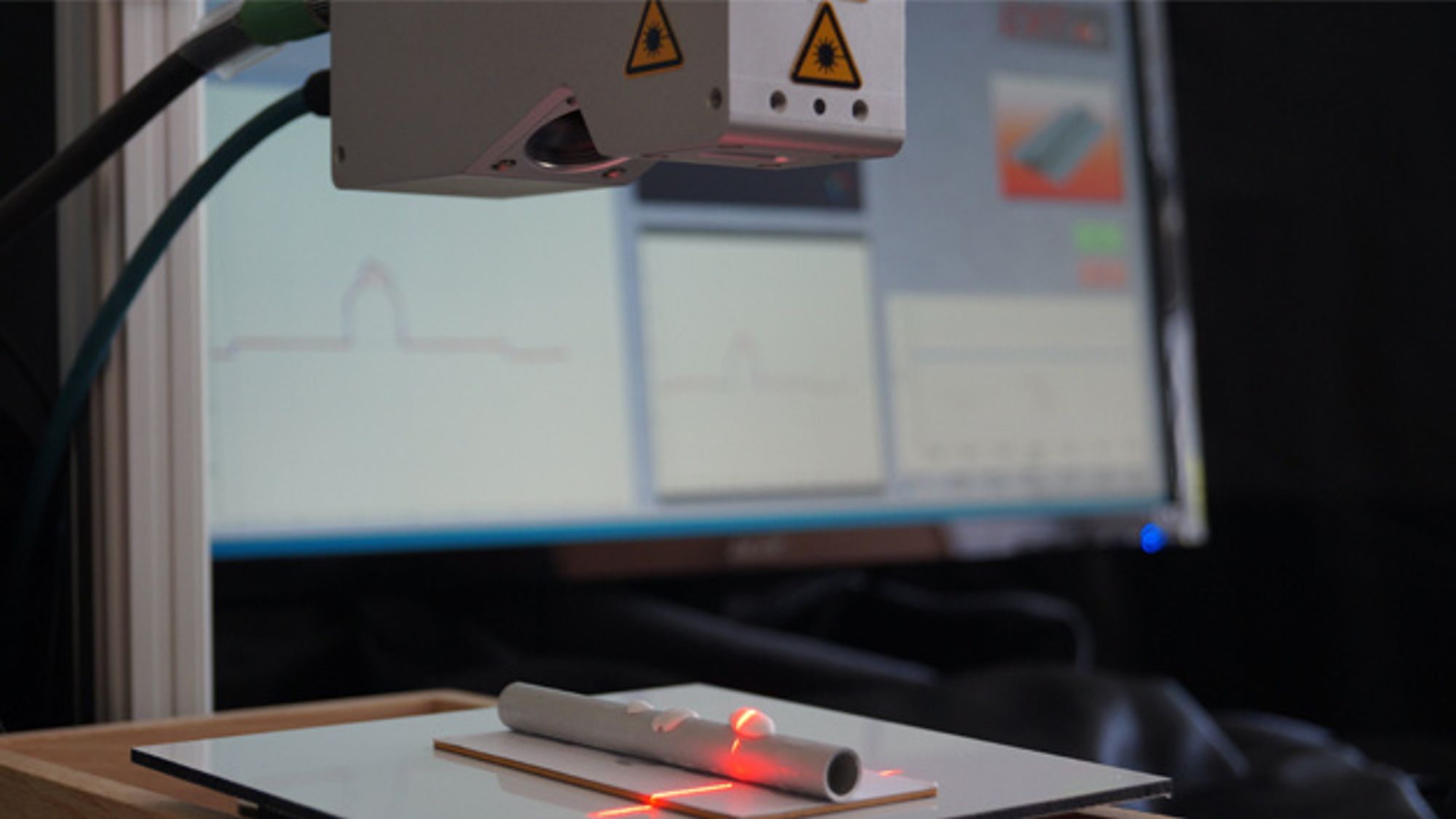
EVT has added the 'Profile Match' command to its EyeVision image processing software - another matching tool alongside the 'KeyMatch' command for pattern recognition. While KeyMatch is responsible for recognizing taught-in patterns in any position and rotational orientation in applications with matrix cameras, Profile Match is used together with a 3D laser line sensor to solve 1D matching applications. This command is intuitive and user-friendly. First, a shape or profile is taught to the command. In the inspection process during production, the taught-in profile is recognized and the quality of the test object is determined. For example, the command can be used to check weld seams or adhesive beads. Height offset can also be checked. The command finds the position in the X and Y directions. If the rotational position is also to be checked, the 'Profile Segmentation' command is recommended.